Closed-loop positioning
Integrated stage-position feedback and PID regulation support precise point-to-point motion.
PRECIBEO GO motion control
Precision positioning, from manual adjustment to software integration
Bring PRECIBEO GO piezo walking stages into your workflow with closed-loop motion control, ready-to-use applications and programming interfaces. One GO Controller operates up to three stages simultaneously; two daisy-chained controllers provide six-axis control through one USB connection.
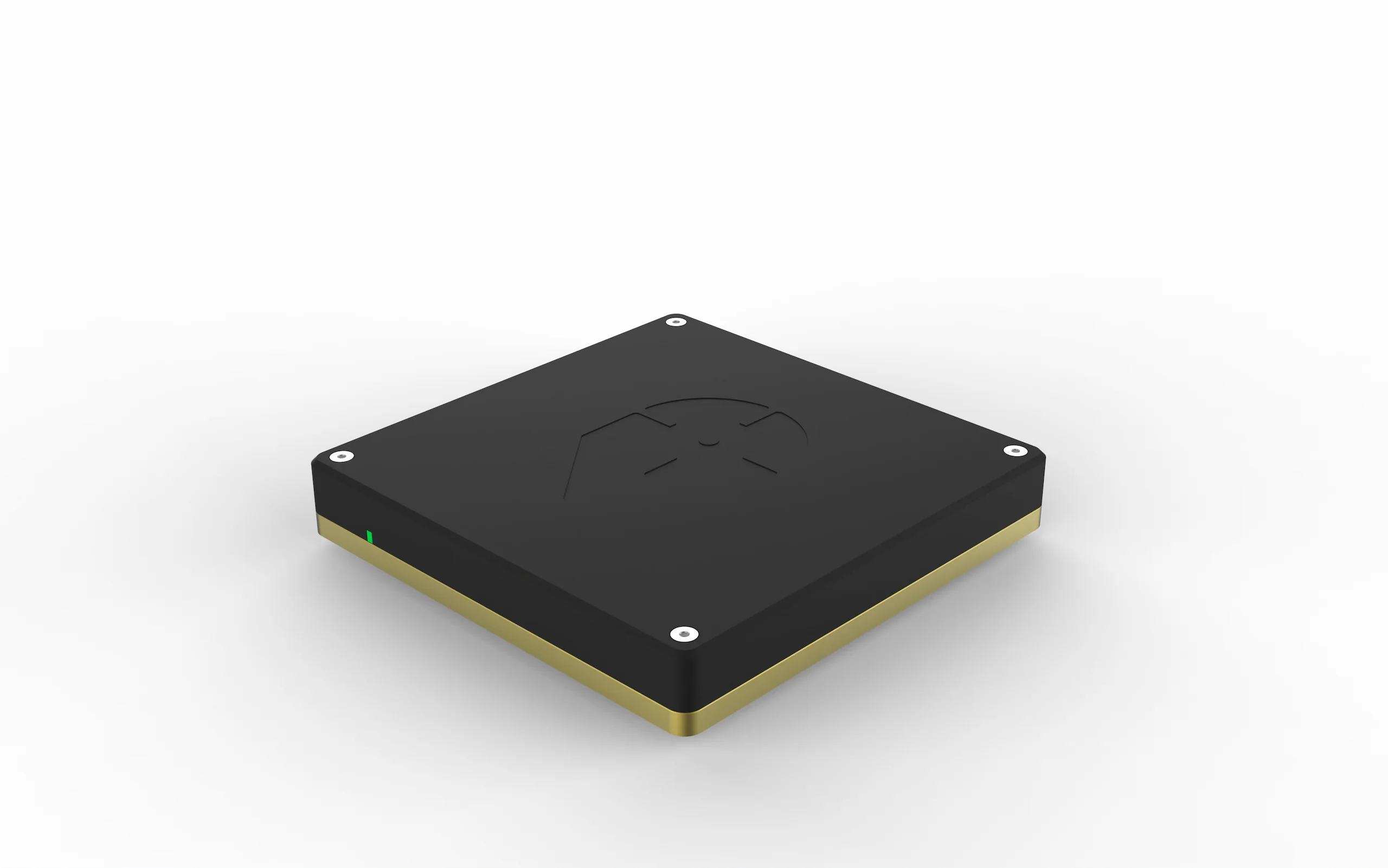
3 axes
Per GO Controller
6 axes
With two daisy-chained controllers
PID
Closed-loop point-to-point motion
USB
Computer connection with RS485 through GO I/O
5 interfaces
Apps, commands, LabVIEW and C++ integration
Control for your piezo positioner
The GO Controller uses stage-position feedback and proportional–integral–derivative (PID) regulation to move a connected stage to its commanded position. Trapezoidal velocity profiles define acceleration, travel and deceleration between positions.
Pair the controller with GO piezo walking stages for fine positioning over long travel, high force density and self-locking at rest. Positioning resolution, repeatability, travel and lifting capacity follow the selected stage’s specifications.
Integrated stage-position feedback and PID regulation support precise point-to-point motion.
Trapezoidal profiles manage acceleration, travel and deceleration between commanded positions.
Control long-travel linear motion, vertical axes and rotation from the same controller platform.
Move directly with GO applications and a joystick, or integrate through commands, LabVIEW and C++.
Choose your configuration
Select one controller for one to three axes, daisy-chain two for four to six axes, and add the mounting bracket when the controller needs a fixed position inside your equipment.
One to three axes
Control up to three GO stages simultaneously from one compact controller.
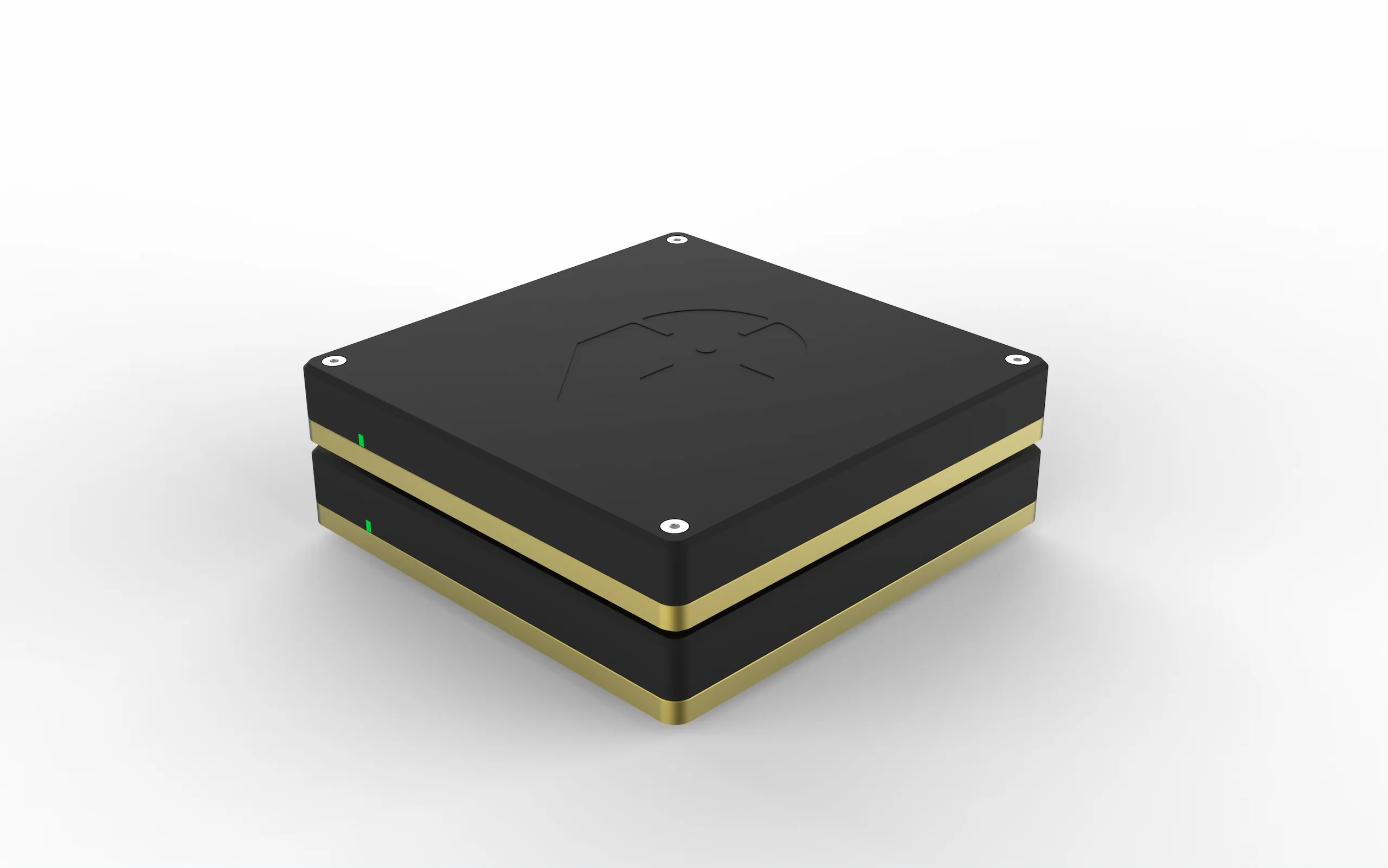
Four to six axes
Connect two standard GO Controllers through one computer USB port to operate up to six stages.
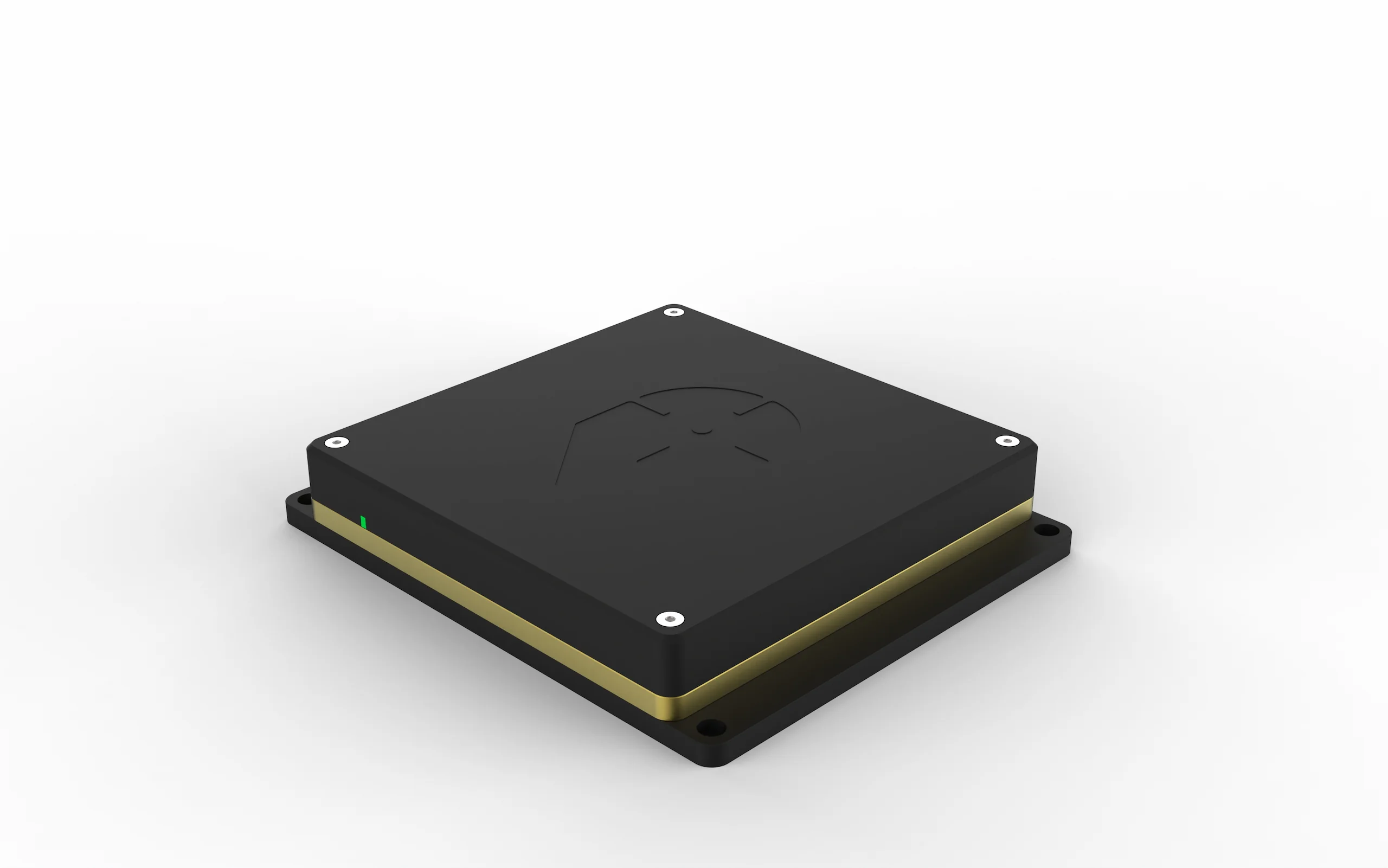
Fixed installation
Add the mounting bracket to secure a standard GO Controller within your instrument or equipment.
| Requirement | Configuration | Benefit |
|---|---|---|
| One to three axes | One GO Controller | Control up to three stages simultaneously |
| Four to six axes | Two daisy-chained GO Controllers | Connect both controllers through one computer USB port |
| Fixed installation | GO Controller with Mounting Bracket | Secure the controller within your equipment |
| GO HexStage positioning | Two GO Controllers with GO DLL C++ and Windows app | Operate a complete six-axis positioning system |
Control it your way
Use the control method that fits your application, then move between manual positioning, command-based operation and custom software as your system develops.
| Control method | What it enables |
|---|---|
| GO Motion | Move stages using app buttons, your keyboard or an optional GO Joystick |
| GO Command | Control stages with Precibeo ASCII Rapid commands such as Speed, Go To and Read Position |
| Precibeo ASCII Rapid | Easy-to-use command set for integration with your host system |
| GO LabVIEW drivers | Integrate motion into LabVIEW applications |
| GO DLL C++ | Build motion control into your own software |
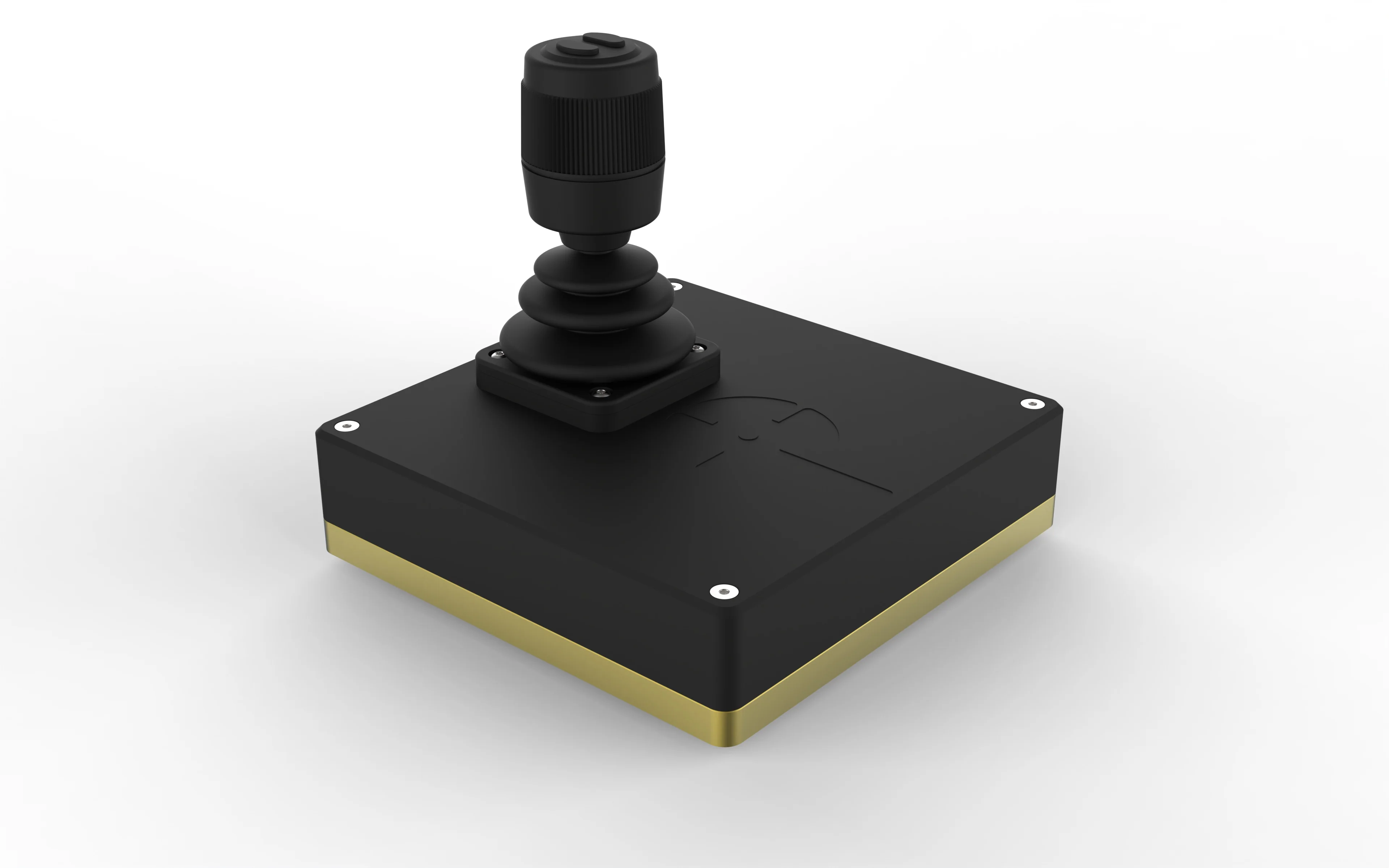
Use app buttons, a keyboard or the optional GO Joystick for manual positioning. The joystick supports fine adjustment and longer moves, with buttons for saving the current position and locking selected axes.
System integration
Choose the stages for your required travel, load and working envelope, then match the controller, connections and software to the complete system.
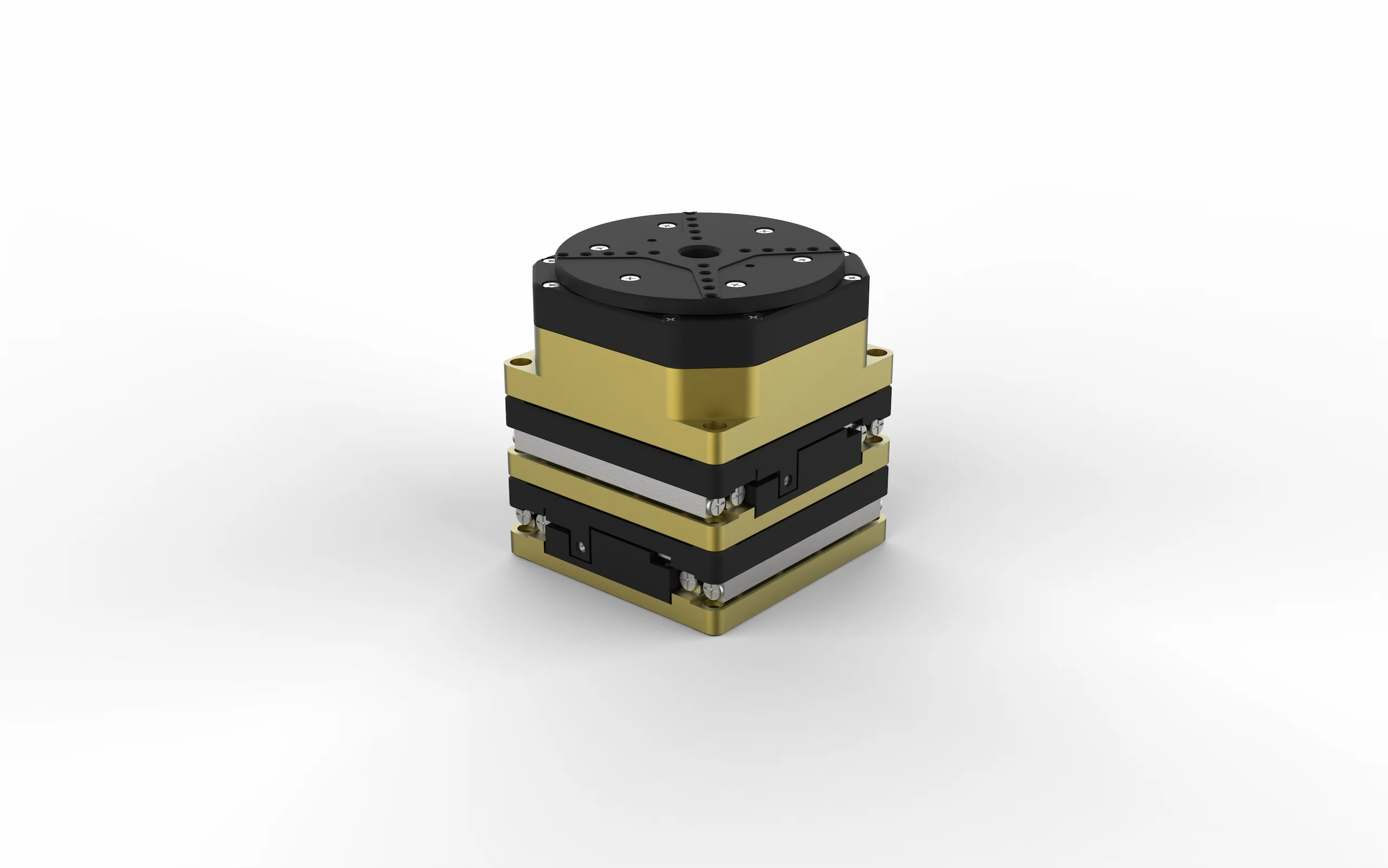
Combine two GO linear stages with a GO Rotation Stage for XY positioning and angular adjustment. One GO Controller operates all three axes simultaneously.
GO Elevation offers a flat moving top for direct vertical mounting, while GO Vertical Mounts support flexible integration of GO-LS stages.
Each controller measures 135 × 135 × 25 mm and connects to GO stages through ix Industrial™ interfaces. A 48 VDC external power adapter supplies the controller.
The GO I/O cable exposes RS485 and TrigIn/TrigOut through a D-sub connector for integration with equipment such as cameras. In high-vacuum systems, the controller remains outside the chamber and connects through the stage feedthrough cabling.
Connect your GO stages and the controller’s 48 VDC power supply.
Connect the GO Controller to your computer over USB.
Install the appropriate GO application and begin positioning.
For a multi-controller or GO HexStage system, add the required daisy-chain connections and system-specific software.
Your questions
Each controller operates up to three axes. Two daisy-chained GO Controllers provide six-axis control through the same USB connection.
No. GO Motion provides manual control through its interface, a keyboard or an optional joystick. GO Command provides command-based operation. LabVIEW drivers and C++ DLLs support integration into your own applications.
GO HexStage uses the GO DLL C++ and its complementary Windows app with two daisy-chained GO Controllers. The C++ DLL provides functions for fast programmatic integration.
Configure your motion-control system
Tell us which GO stages you plan to use, the number of axes, your preferred software interface and any camera-triggering or mounting requirements. We will help configure the controllers, connections and accessories for your application.
Email info@precibeo.com
or call +46 18 700 13 40